Terms of Service
Effective Date: August 8, 2026
1. Acceptance of Terms
By downloading, installing, or using Budulai ("the Software"), you ("User," "you") agree to be bound by these Terms of Service ("Terms"). If you do not agree, do not use the Software. These Terms are a legally binding agreement between you and Ravenwood Tech LLC, an Oregon limited liability company ("Company," "we," "us," or "our").
You must be at least eighteen (18) years old to use Budulai. By using the Software you represent that you are 18 or older and have the legal capacity to enter into these Terms.
We may update these Terms from time to time. We will notify registered users of material changes by email or prominent in-app notice at least thirty (30) days before they take effect. Continued use after changes take effect constitutes acceptance.
2. Description of Service
Budulai is a privacy-first AI assistant for iPhone. It provides:
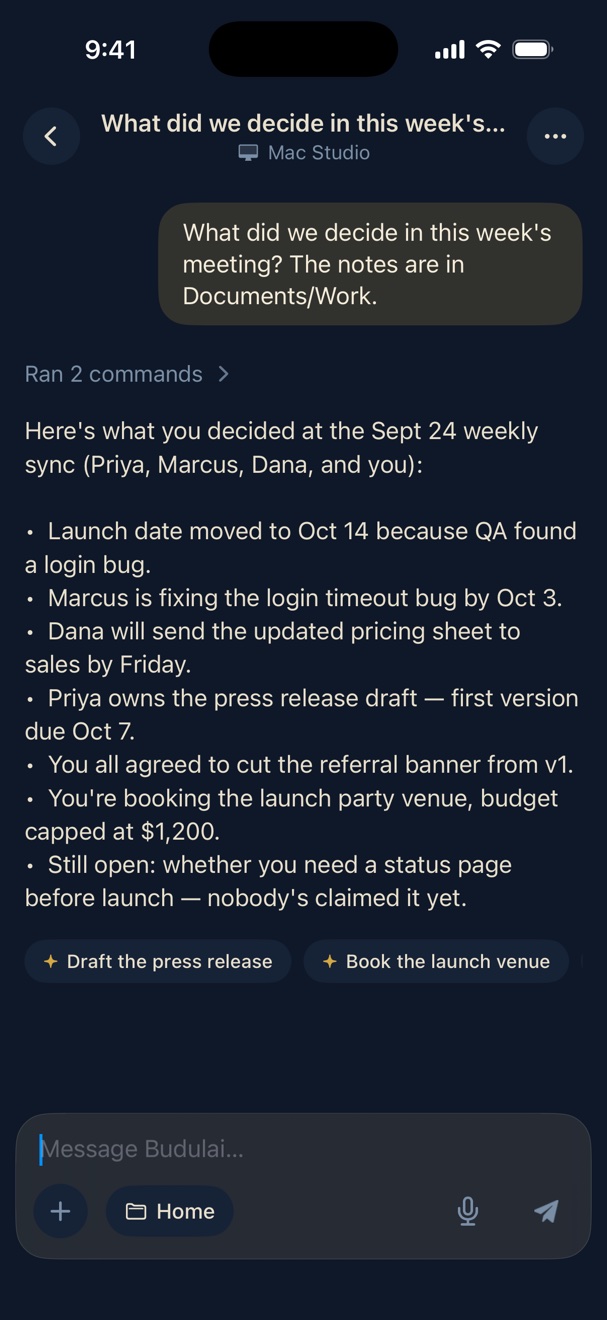
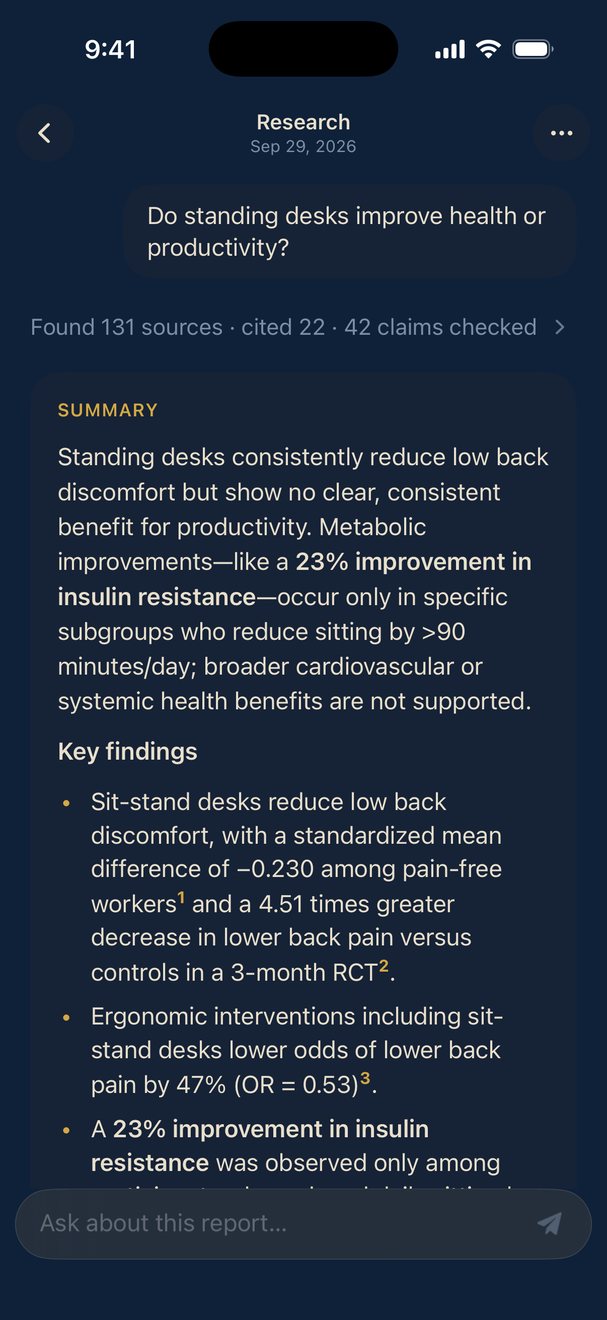
(a) AI Chat — conversational AI. Your messages and the context needed to answer them are sent over encrypted (HTTPS/TLS) connections to Ravenwood Tech's private AI inference proxy, processed by a large language model running on Ravenwood-operated hardware, and streamed back to your device. We retain a limited amount of operational data for a short period for safety, abuse-prevention, reliability, and support purposes — see the Privacy Policy for exactly what and for how long. We do not sell your data and we do not use your conversations to train AI models.
(b) Device Automation — on-device actions such as opening apps, composing texts and emails, setting timers, controlling brightness and flashlight, navigating via Apple Maps, haptics, clipboard, sharing, App Store search, and deep links. These execute locally on your iPhone.
(c) Calendar & Reminders — creating, editing, and querying calendar events and reminders via Apple EventKit. This data stays in your iCloud/local calendar.
(d) Health & Fitness — reading step and walking/running distance data via Apple HealthKit, and connecting to Bluetooth Low Energy (BLE) health devices via CoreBluetooth. HealthKit data is summarized on your device before use. Readings from a connected BLE device may be included as context with your AI messages. Health data is not stored on our servers. See the Privacy Policy, Section 4(b).
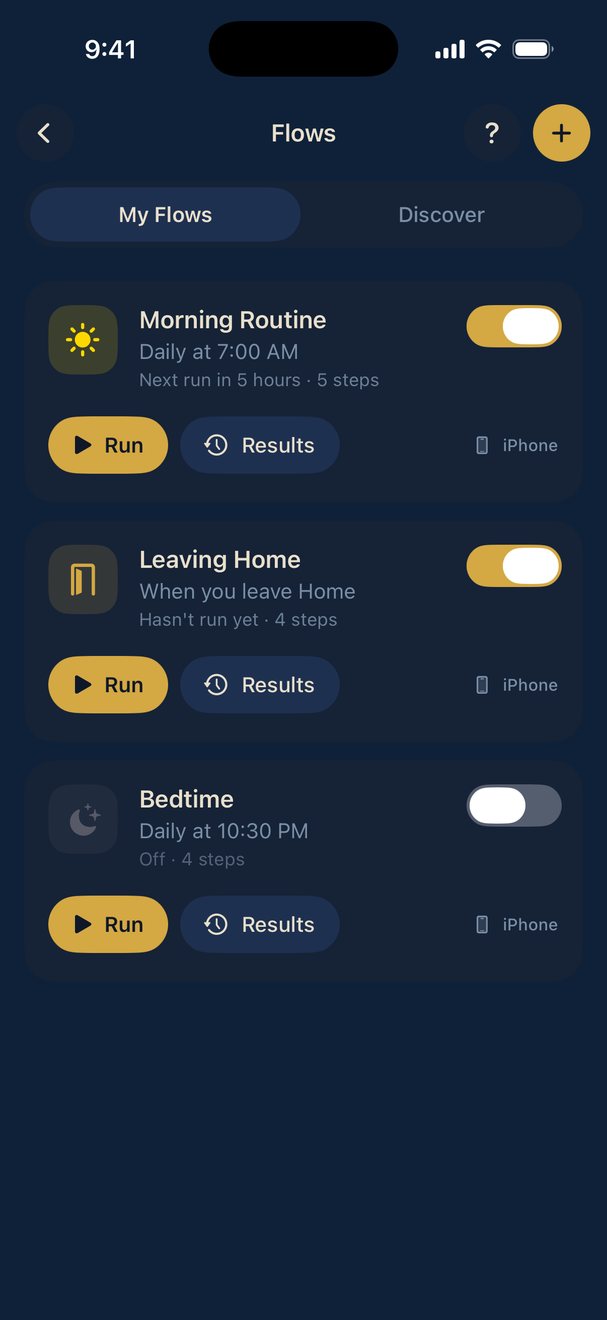
(e) Proactive Notifications — optional smart notifications (calendar events, check-ins, special-date reminders). Scheduling data is handled by a background engine; see the Privacy Policy.
(f) Remote Mac Control ("Techlepathy") — on supported tiers, after you install and authorize the companion agent on a Mac you own or control, Budulai can perform actions on that Mac (e.g., open apps, manage files, run system commands you direct). You are solely responsible for the Mac, the actions you direct, and any consequences. See Section 4.
(g) Third-Party Integrations — optional connections such as Gmail (via Google OAuth 2.0). These communicate between your device (or our proxy, where applicable) and the third-party service under that service's terms.
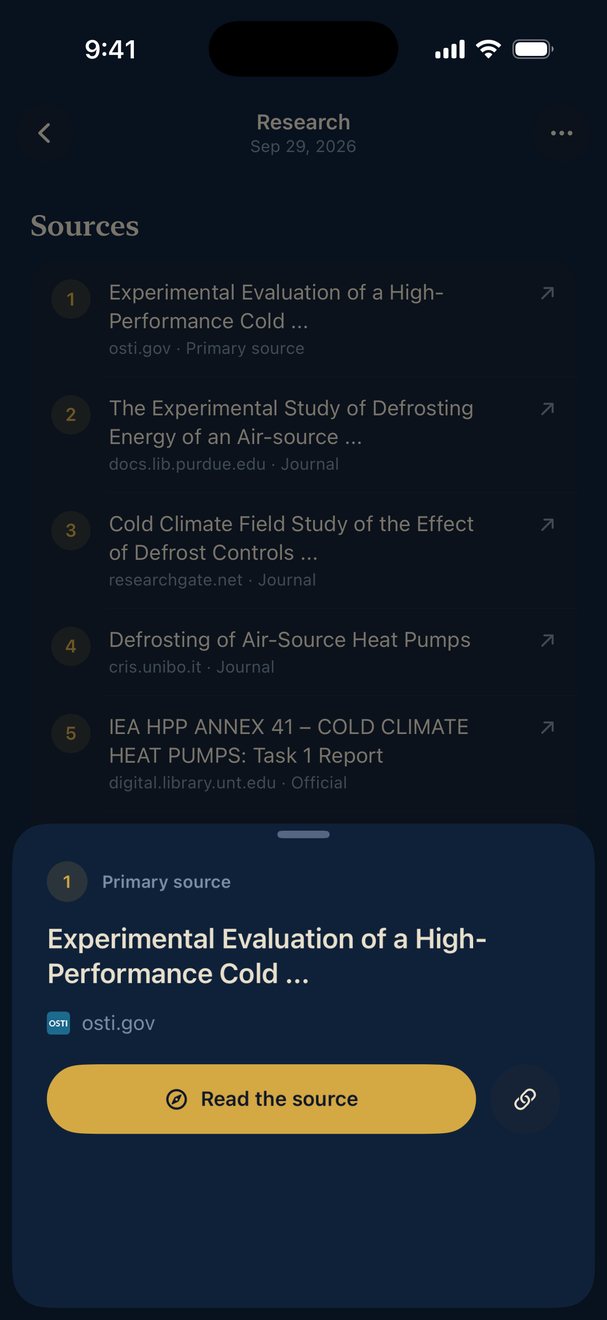
(h) Web Search — optional web search via Tavily. Queries are sent to Tavily's API to return results.
(i) Text-to-Speech — optional read-aloud via ElevenLabs. Response text is sent to ElevenLabs for audio synthesis.
(j) Location Awareness — with your permission, approximate location context (coordinates rounded to roughly 100 metres, or a neighbourhood or saved place name) may be included with AI messages to enable location-relevant responses. See the Privacy Policy, Section 4(d).
3. Data Handling, Safety & Monitoring
Budulai is privacy-first, but it is not "zero-retention." To keep the Software safe, lawful, reliable, and abuse-free, we retain a limited amount of operational data for a short, defined period and we may review content that is flagged by automated safety systems or reported by users. The specifics — what we retain, why, for how long (currently up to 30 days for safety/diagnostic data), who can access it, and your rights — are set out in the Privacy Policy, which is incorporated into these Terms.
We do not sell your personal information, and we do not use your conversations to train, fine-tune, or improve AI models. Your conversation history is stored primarily on your device; you can delete it at any time.
4. AI Limitations, Autonomous Actions & Your Responsibility
(a) AI output may be wrong. Budulai is an AI system. Its responses can be inaccurate, incomplete, outdated, or fabricated ("hallucinated"). You are responsible for independently verifying anything important before relying on it.
(b) Not professional advice. Budulai does not provide medical, legal, financial, tax, mental-health, or other professional advice, and is not a substitute for a qualified professional. Do not make medical, legal, financial, or other significant decisions based on Budulai's output without consulting a licensed professional.
(c) Not for emergencies. Budulai is not an emergency service and cannot reliably contact emergency responders. In an emergency, call your local emergency number (e.g., 911) directly.
(d) Actions you direct are your responsibility. When you instruct Budulai to take an action in the real world — send an email, control a connected Mac, create or modify calendar/reminder entries, open the dialer to a phone number, or interact with a third-party service — you authorize that action and are solely responsible for it and its consequences, including ensuring it is lawful and appropriate. We are not responsible for actions you direct Budulai to perform. We recommend reviewing drafted content (such as emails and messages) before it is sent or executed.
5. Acceptable Use
You agree not to use Budulai to:
(a) Violate any applicable law or regulation, or facilitate illegal activity.
(b) Generate, solicit, store, or distribute content that sexually exploits or endangers minors (CSAM), incites or threatens violence, harasses, defames, or unlawfully discriminates against others.
(c) Create malware, weapons, or instructions for serious physical, biological, chemical, or cyber harm.
(d) Use the email, remote-control, or other action features to harass, defraud, deceive, impersonate, surveil, or harm others, to contact anyone who has not consented where consent is required, or to send unsolicited bulk or automated communications.
(e) Attempt to reverse-engineer, decompile, or extract source code or proprietary components, or circumvent subscription, rate-limiting, safety, or license-enforcement mechanisms.
(f) Resell, sublicense, rent, or transfer your access without our written consent, or use the Software to build a competing product or for benchmarking.
(g) Overburden, disrupt, or gain unauthorized access to our or any connected systems.
We may suspend or terminate access, and may remove or refuse content or actions, that violate this Section or that our safety systems flag as abusive or unlawful.
6. Reporting & Content Concerns
You can report objectionable AI output or misuse from within the app or by contacting john@budulai.app. We review reports and may act on them, including removing content, restricting features, or terminating accounts.
7. Subscriptions and Payment
Certain features require a paid subscription processed through the Apple App Store. By subscribing, you authorize Apple to charge your payment method on a recurring basis at the then-current rate.
(a) Subscriptions renew automatically unless cancelled at least 24 hours before the end of the current period.
(b) Manage or cancel anytime in Settings → Apple ID → Subscriptions.
(c) Refunds are handled by Apple under their policies.
(d) We may change pricing with thirty (30) days' notice to active subscribers; changes do not affect the current period.
(e) Free-tier features are provided as-is, with no guarantee of continued availability.
8. Intellectual Property
Budulai and its software, documentation, branding, and content are the property of Ravenwood Tech LLC, protected by intellectual-property laws. We grant you a limited, non-exclusive, non-transferable, revocable license to use the Software for your personal or internal business purposes under these Terms and the EULA. The underlying language model is a third-party model used under its own license (see the EULA and Third-Party Software Notices). We make no ownership claim over AI outputs you generate, and make no representations about their accuracy, originality, or fitness for any purpose; how you use them is your responsibility.
9. Disclaimer of Warranties
THE SOFTWARE IS PROVIDED "AS IS" AND "AS AVAILABLE," WITHOUT WARRANTY OF ANY KIND, EXPRESS OR IMPLIED. TO THE FULLEST EXTENT PERMITTED BY LAW, RAVENWOOD TECH LLC DISCLAIMS ALL WARRANTIES, INCLUDING IMPLIED WARRANTIES OF MERCHANTABILITY, FITNESS FOR A PARTICULAR PURPOSE, AND NON-INFRINGEMENT. We do not warrant that the Software will be uninterrupted or error-free, that AI output will be accurate or appropriate, that integrations will function, or that health/fitness data will be accurate. You use all features and outputs at your own risk. AI-GENERATED CONTENT IS NOT A SUBSTITUTE FOR PROFESSIONAL ADVICE, AND BUDULAI MUST NOT BE RELIED ON FOR EMERGENCIES, MEDICAL DIAGNOSES, OR CRITICAL DECISIONS.
10. Limitation of Liability
TO THE MAXIMUM EXTENT PERMITTED BY LAW, RAVENWOOD TECH LLC AND ITS OFFICERS, MEMBERS, EMPLOYEES, AND AGENTS SHALL NOT BE LIABLE FOR ANY INDIRECT, INCIDENTAL, SPECIAL, CONSEQUENTIAL, OR PUNITIVE DAMAGES, OR FOR LOSS OF PROFITS, DATA, GOODWILL, OR PERSONAL INJURY, ARISING OUT OF OR RELATING TO YOUR USE OF OR INABILITY TO USE THE SOFTWARE OR ANY ACTION TAKEN THROUGH IT, EVEN IF ADVISED OF THE POSSIBILITY. OUR TOTAL AGGREGATE LIABILITY FOR ALL CLAIMS SHALL NOT EXCEED THE GREATER OF (A) AMOUNTS YOU PAID US IN THE TWELVE (12) MONTHS PRECEDING THE CLAIM OR (B) ONE HUNDRED DOLLARS ($100). THIS APPLIES REGARDLESS OF THE THEORY OF LIABILITY. Some jurisdictions do not allow certain limitations, so some of the above may not apply to you.
11. Indemnification
You agree to indemnify, defend, and hold harmless Ravenwood Tech LLC and its officers, members, employees, and agents from claims, liabilities, damages, losses, and expenses (including reasonable attorneys' fees) arising from: (a) your use of the Software; (b) your violation of these Terms; (c) your violation of any third-party right; or (d) any content you generate or any action you initiate or direct through the Software.
12. Governing Law and Dispute Resolution
These Terms are governed by the laws of the State of Oregon, without regard to conflict-of-law principles. Any dispute shall be resolved in the state or federal courts located in Multnomah County, Oregon, and you consent to their exclusive personal jurisdiction. Before filing, you agree to first try to resolve the dispute informally by contacting john@budulai.app; if unresolved within thirty (30) days, either party may proceed.
13. Termination
We may suspend or terminate your access at any time, with or without cause or notice, including for violations of Section 5. On termination your license ends and you must stop using and delete the Software. Data on your device remains yours. Sections 4, 8, 9, 10, 11, 12, and 14 survive termination.
14. Severability; Entire Agreement
If any provision is held invalid, the rest remain in effect, and the invalid provision is modified to the minimum extent necessary to be enforceable. These Terms, with the Privacy Policy, EULA, and any subscription terms shown at purchase, are the entire agreement between you and Ravenwood Tech LLC regarding the Software.
15. Contact
Ravenwood Tech LLC Portland, Oregon, United States john@budulai.app
 Made by a single founder over two years of late nights and hard work.